Gaming in the evening: PlayStation, Xbox and PC
Make room for the game and the friends in it — and make the end time clear with an agreement and one schedule on the home router.
Make room for the game and the friends in it — and make the end time clear with an agreement and one schedule on the home router.
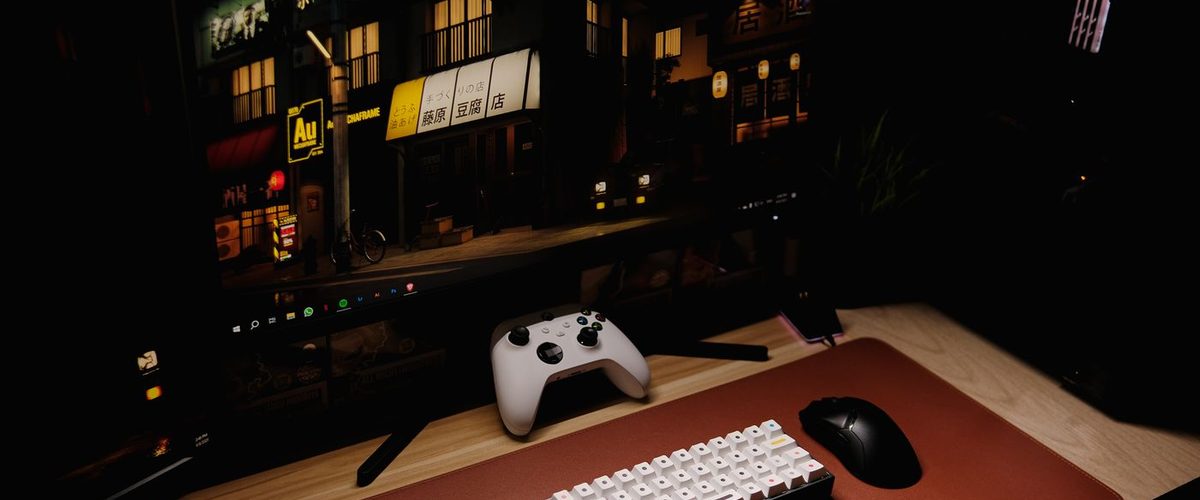
In short:
1. Ask what your child actually wants to finish — a round mid-match can't just be switched off.
2. An agreed end time plus a warning works better than cutting power mid-session.
3. Owlyfi puts the agreement on the router — one schedule for console, PC and phone, with no app on your kid's phone. Owlyfi does not monitor your child.
Gaming is social. The game itself is rarely the problem — the moment it ends usually is.
None of this needs to be a negotiation every single evening. Agree the shape of it once, on a calm night, and the actual evening becomes far shorter and far less tense.
The American Academy of Pediatrics recommends screens off at least an hour before bedtime as a sleep habit. It's advice, not a guarantee — but the direction shows up consistently across sleep research.
None of this rules out an occasional late night. A rule that never bends is a rule that eventually gets broken outright — decide together when an exception is worth making.
PlayStation and Xbox are devices on the home network like any other. With Owlyfi you put the agreement in as a schedule on the router — for example the "Screen-free evening" template (20:00–21:30), or a schedule you create yourself. Choose days and times, and change them any time.
The router can't stop a game that runs without a network. For offline play, the console's own playtime tool can supplement — as a separate per-account setting alongside Owlyfi.
If the PC is on the home network, Owlyfi can give it the same agreed window as the console. You don't have to create a new child account per platform for the agreement to apply — it covers the network connection, whether your child plays through Windows, Steam or a launcher.
That covers the connection through your router. Offline games and other offline computer use are not affected; limiting that time is something to agree on, and manage, on the computer itself.
Owlyfi can repeat an agreed access window for the home network. A console is just one more device on that network, so it's covered without installing anything on it.
For more on building the agreement itself, see our guide to screen-time rules that actually stick.
Give it a full week before judging whether the time itself was right. The first two or three evenings are usually about the new routine, not the number.
Owlyfi can manage internet access through the home router on supported models. The console itself can still have features and games that work without an internet connection.
Owlyfi is the answer for the end time itself: one schedule on the router covers console, PC and phone, with no account per console. The console's own playtime settings can supplement for offline play, which the router can't see — but they are a separate setup per account.
Yes. Owlyfi can schedule the PC's home internet access with the same schedule as the console — no separate accounts. Offline games and other offline computer use are not affected.
Agree a "last round" cut-off time and give a warning ahead of it. That lets your child finish with their team before the agreed end time.
No. You can choose different days and times so the plan follows your family's actual rhythm.
No. It covers internet access through the home router. Talk through how the agreement should work when a device switches to a different connection.
No. Owlyfi does not monitor the child — it doesn't read messages, track location, or log browsing history.
All sources accessed 24 September 2026.
Free, no ads. Owlyfi is in closed testing — we launch soon.
Join the test