Mere overblik. Mindre gætværk.
Parental control that runs on the router — not on your kid's phone.

Do parental controls actually work? What the research says
Filters work less well than people think. Predictable routines work better. With sources.

How much screen time is right for kids?
An age-by-age guide for parents who are tired of guessing.

My child is online all night — what do I do?
Concrete steps for when it is 2am and the phone is still glowing.

How to block TikTok, YouTube and Snapchat on your home Wi-Fi
What router-based blocking can actually do — and what it cannot.
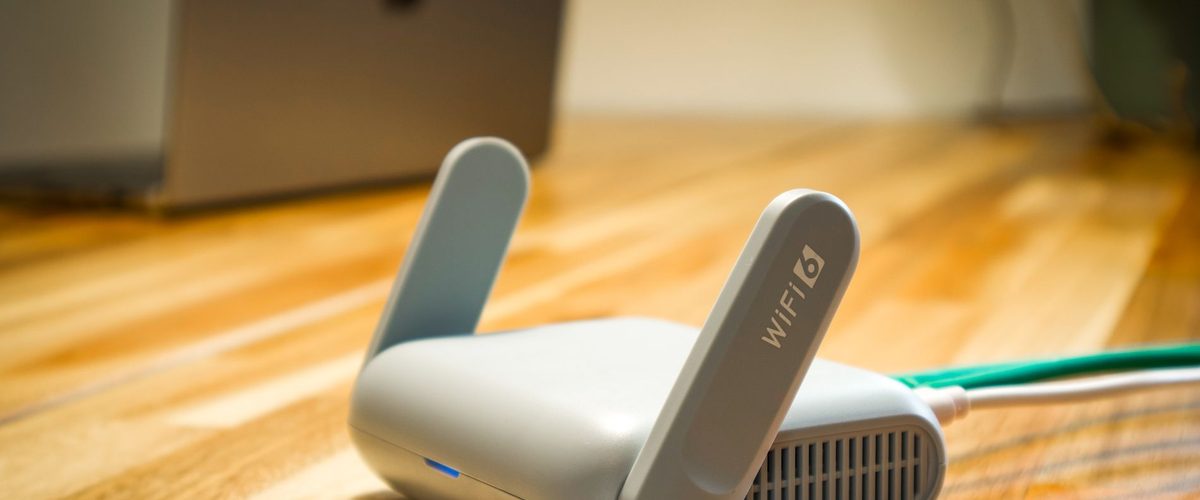
Which router do I have? How to find the model name
Tell your router apart from your Wi-Fi name — and why the exact model is worth knowing.

Screen-time rules that actually stick
Start with the conversation, keep the rule short, and let your home Wi-Fi help.
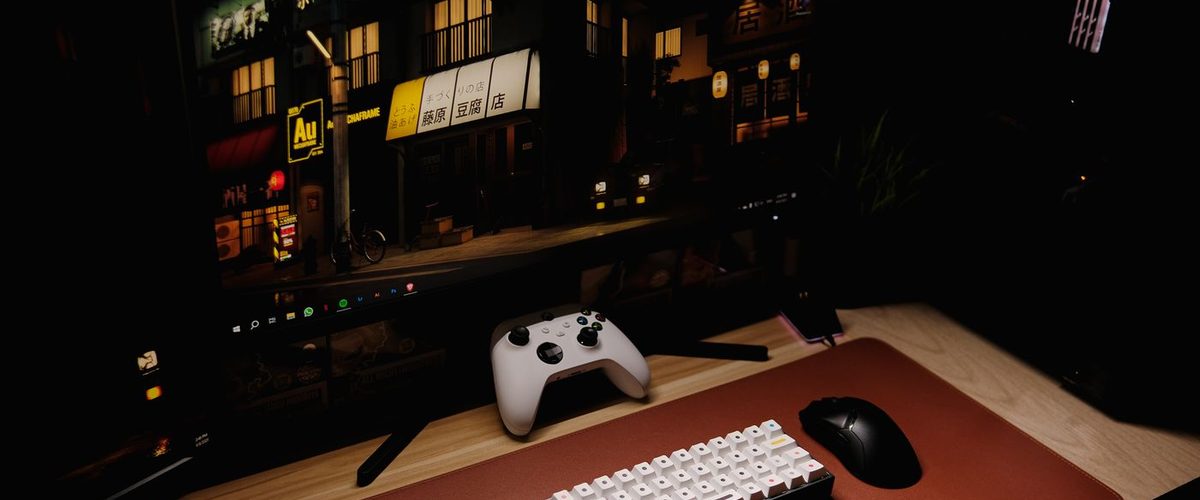
Gaming in the evening: PlayStation, Xbox and PC
Make room for the game and the friends in it — and make the end time clear.

Parental controls without an app on your kid's phone
No app on your kid's phone. Runs on your router.

How to turn off Wi-Fi for kids at night
Create a schedule for bedtime — choose days and times, and change them any time.

Router-based vs. device-based parental controls
No app on your kid's phone — nothing to install, ever.

The privacy-first guide to parental controls
Your phone already keeps your Wi-Fi passwords. The router password lives in that same keychain.
Ingen artikler matcher din søgning.