My child is online all night — what do I do?
Concrete steps for when it's 2am and the phone is still glowing.
Concrete steps for when it's 2am and the phone is still glowing.
In short:
1. The device in the bedroom is what the evidence points to most strongly — not the exact minute count before lights out.
2. Start with the conversation, not a ban. Then set a fixed closing time in Owlyfi.
3. Owlyfi can close the network at a fixed time — and does not monitor what your child is doing.
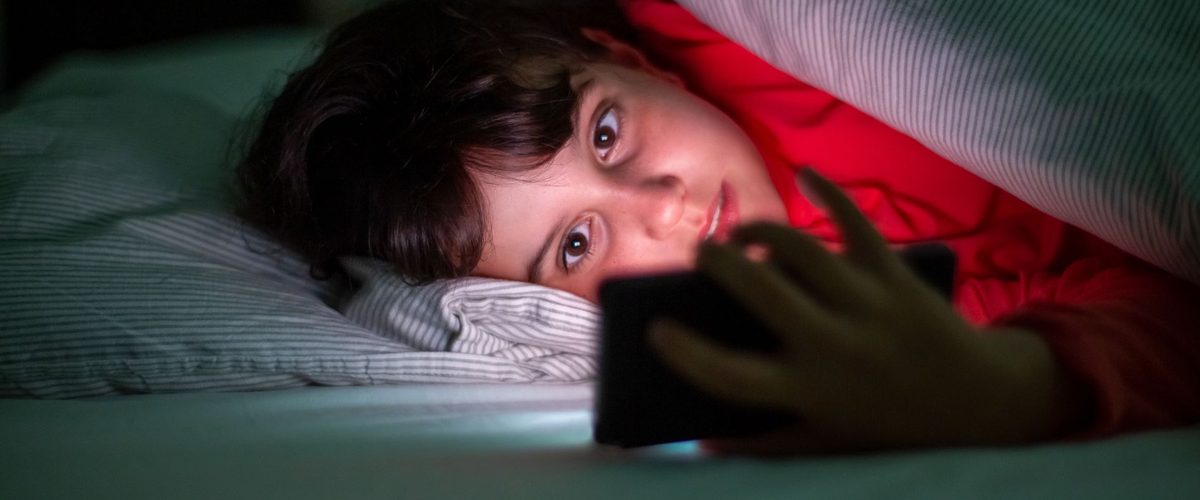
You find out by accident: a sound from the bedroom, a screen glowing under the duvet, or a child who's impossible to wake in the morning.
It's rarely "addiction" in the dramatic sense. It's usually a friend group that's active late, notifications that keep coming, and the feeling of missing out.
It can feel like a discipline failure on your part. It usually isn't — it's a rule that has to be re-enforced every single night, and a rule like that loses most nights no matter how firm you were the evening before.
It's tempting to assume any screen use at night wrecks sleep. The research is more nuanced than that, and the difference matters before you set a rule you'll have to defend.
In other words: one late night isn't a catastrophe. It's the pattern that causes the harm.
Many parents find their child is actually relieved. It gives them a legitimate reason to say "I have to go" without looking uncool in front of friends.
The most effective approach isn't trying to monitor what a child does at night — that's difficult, invasive, and erodes trust. What works is a closing time you agreed on in advance.
Owlyfi is parental control that runs on the router — not on your kid's phone. Create a schedule for bedtime (the template suggests 21:00–06:30, but you choose days and times), and the router enforces it for the whole household or just one child's devices. Change it any time, or pause devices when you need to.
Not sure which router you have? Read which router do I have. See also the full guide to turning off Wi-Fi at bedtime.
If your child has their own data plan, that traffic never touches your home network — so it goes around the router and around Owlyfi. If the phone is on mobile data at 11pm, the closing time doesn't reach it. What holds depends on where the limit sits.
The most robust setup is a combination: Owlyfi for the home network, the data cap with the operator for mobile data — and an agreement that the phone stays out of the bedroom at night, which is what the evidence points to most strongly. None of this is about watching your child. It puts a boundary on the connection, not a window into what they are doing.
Start with a conversation about what's keeping them awake, and explain why sleep matters. Pair it with a fixed closing time in Owlyfi for the home network, so your child isn't the one who has to put the phone down.
Yes. In Owlyfi a schedule can cover the whole household or just selected profiles, groups and devices, so your own phone isn't necessarily affected.
Not on its own. Owlyfi closes the home network, which stops Wi-Fi traffic, but not mobile data. That's a real limitation — pair it with an agreement that the phone stays out of the bedroom at night.
It works for some families, but creates more conflict for others than a technical solution that doesn't need a daily "hand-over". Choose what fits your family and your child's age.
There's no fixed age. Most families start when evening screen use begins affecting sleep or school — that can be as early as 8–9 years old, and continue well into the teenage years.
Most parents find that a fixed closing time gives more peace of mind than monitoring content — it solves the sleep problem directly without reading private messages. Owlyfi sets a boundary around the network: no messages, no location, no browsing history.
Owlyfi manages the home network through the router, so mobile data goes around it — it is the one gap a router doesn't close. Settings on the phone are an agreement your child can switch back on. The only limit your child cannot undo is a hard data stop on the plan itself, set with the network operator.
All sources accessed 24 September 2026.
Free, no ads. Owlyfi is in closed testing — we launch soon.
Join the test